LaneCam Support
Welcome to LaneCam.
LaneCam is a video-based race review tool designed for lane-based events such as track races and swimming competitions. It helps users record races, mark finish-line crossings, review footage frame by frame, and export race results.
Main Features
- Live camera preview
- Virtual finish line setup
- Race recording
- Lane crossing marks
- Frame-by-frame video review
- Quick jump bookmarks
- Project and record management
- PDF result export
- Video saving and sharing
Preview
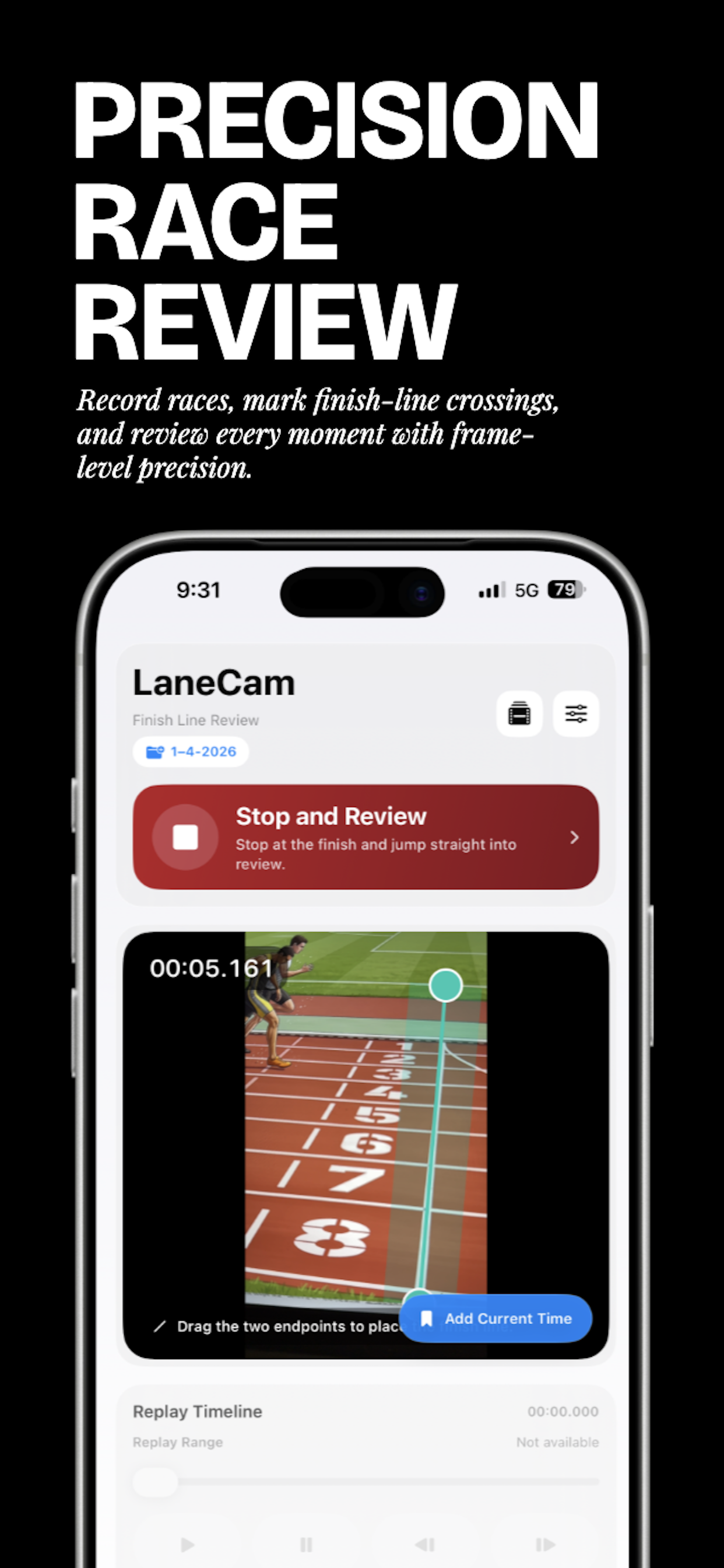
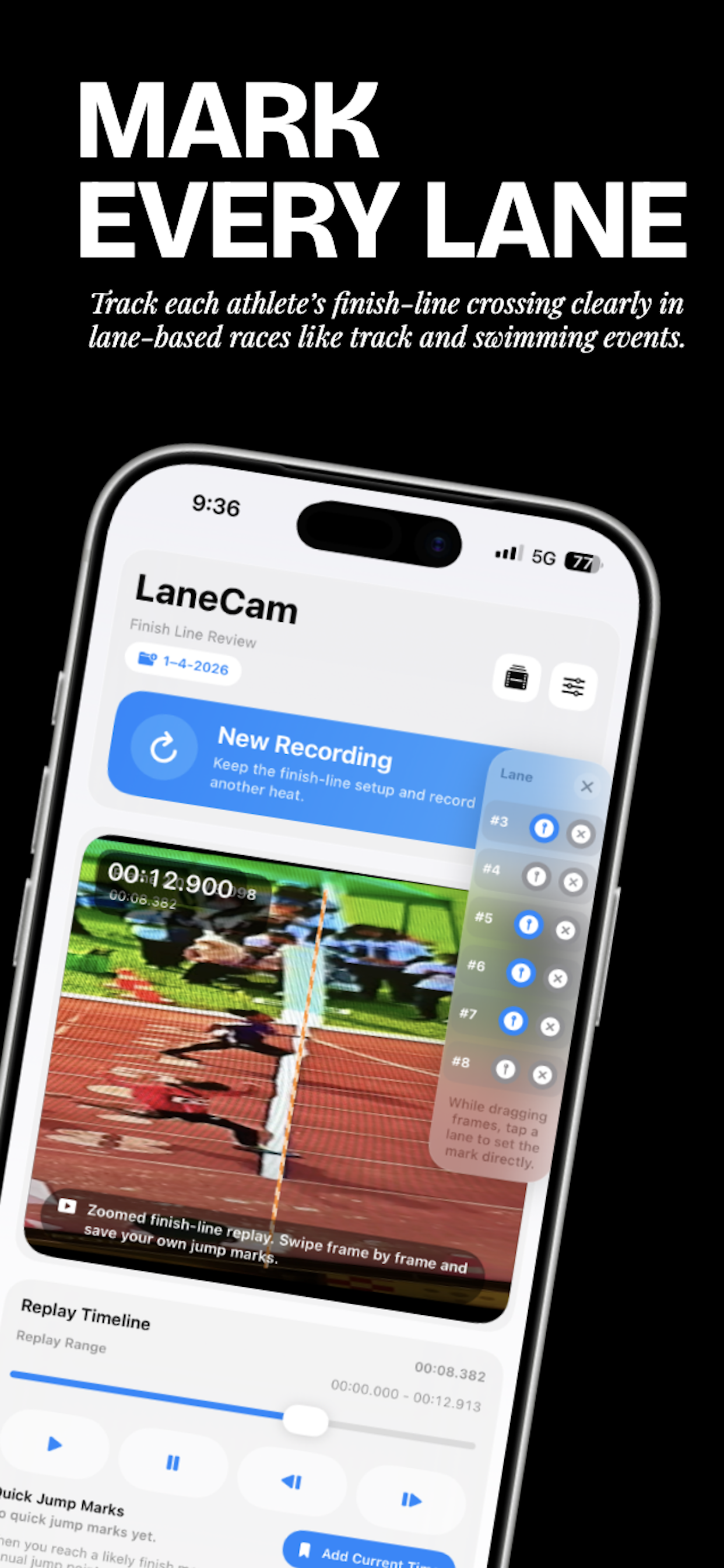
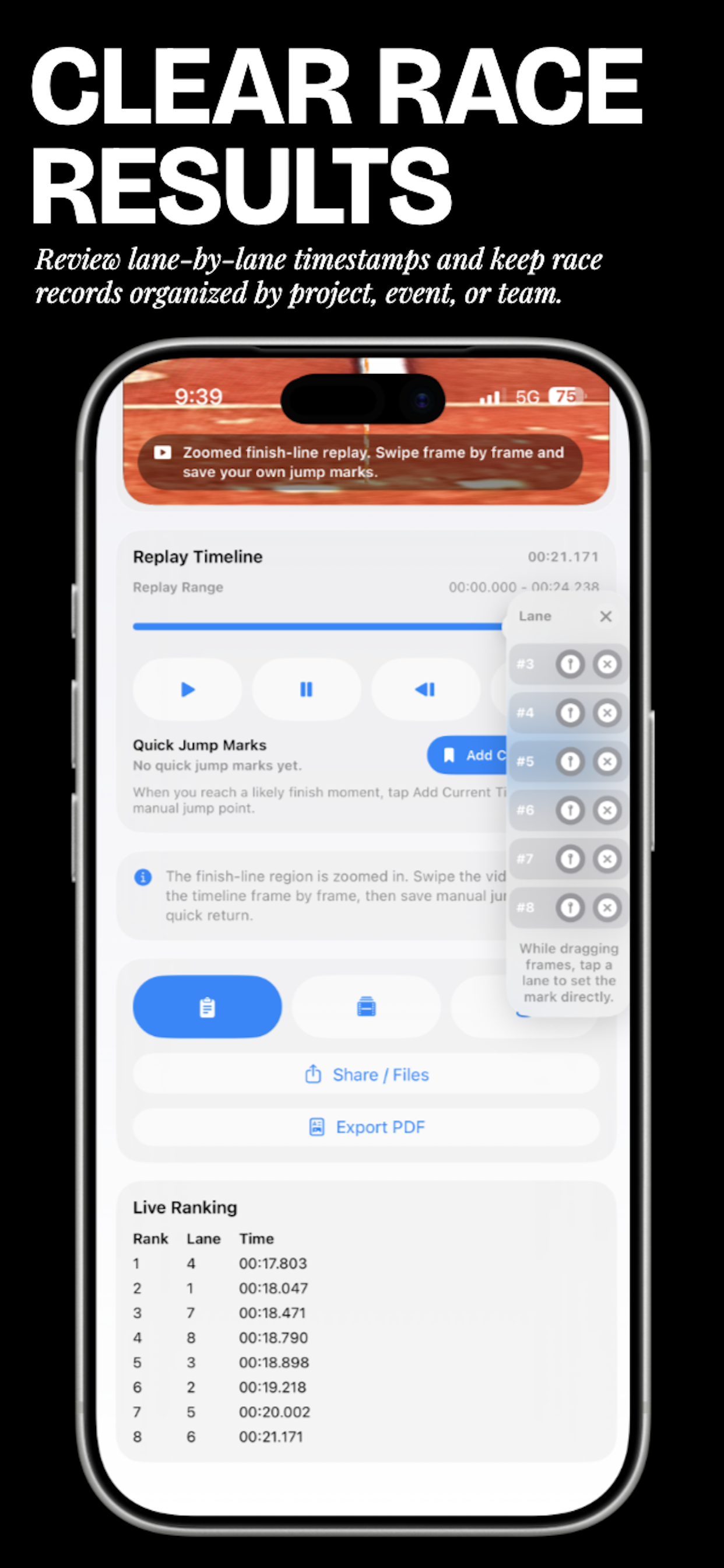
These screenshots show the main workflow in LaneCam, from setting the finish line to reviewing and exporting race results.


How to Use
- Create or select a project.
- Adjust the finish line position and width in the camera preview.
- Start recording the race.
- Mark each athlete’s finish-line crossing.
- Stop recording and review the race frame by frame.
- Export a PDF report or share the video.
FAQ
1. Does LaneCam require an internet connection?
Core functions such as recording, reviewing, and managing race records can work on-device. Some third-party services, including advertising, may require internet access.
2. Does LaneCam upload my videos?
Race videos and records are primarily stored on your device. Data is only shared when you choose to export or share it.
3. Why does LaneCam need camera access?
LaneCam requires camera access to record races and assist with finish-line review.
4. Why are ads shown in the app?
LaneCam may use third-party advertising services to support app operation.
Contact
Privacy Policy
Please visit: https://www.pangsir.com/privacy